
The most urgent task when viewing VK8-related pages from a mobile browser is to separately verify the URL, redirect, browser warning, session state, cache/cookie, and account notice before providing login or payment data. If you see a copied link, pop-up, changed login screen, repeated one-time code request, or bonus/payment pressure, stop the session without taking quick action. This checklist organizes browser-based access, shared phone privacy, account/payment record, and responsible pause decisions for Bangladesh mobile users.
If needed, read the start-here context first. VK8 Bangla Guide This article does not verify any specific VK8 browser URL, app source, payment method, operator, license, regulator, bonus amount, support contact, or withdrawal timing. General source-backed guidance on browser safety, phishing caution, private data protection, and responsible use is provided here.
60-second check before starting the browser session.
Although a mobile browser session may seem small, account, wallet, bonus, and payment decisions can converge in one place. Therefore, after opening the page, first compare the following points.
- Check the address bar yourself; do not enter your password before understanding where the copied link or short link is directing you.
- Pause if you see a browser warning, unusual redirect, pop-up, new tab, spelling mismatch, or unexpected login screen.
- If using a shared phone, be aware of saved passwords, auto-fill, cookies, and whether there is an old session.
- Before logging in. VK8 Login Security Guide Compare with the account-risk context.
- When opening a payment or bonus page, separate the decision from game/session pressure.
- Do not provide one-time code, wallet PIN, password, transaction code, recovery code, or KYC file under any copied link or chat pressure.
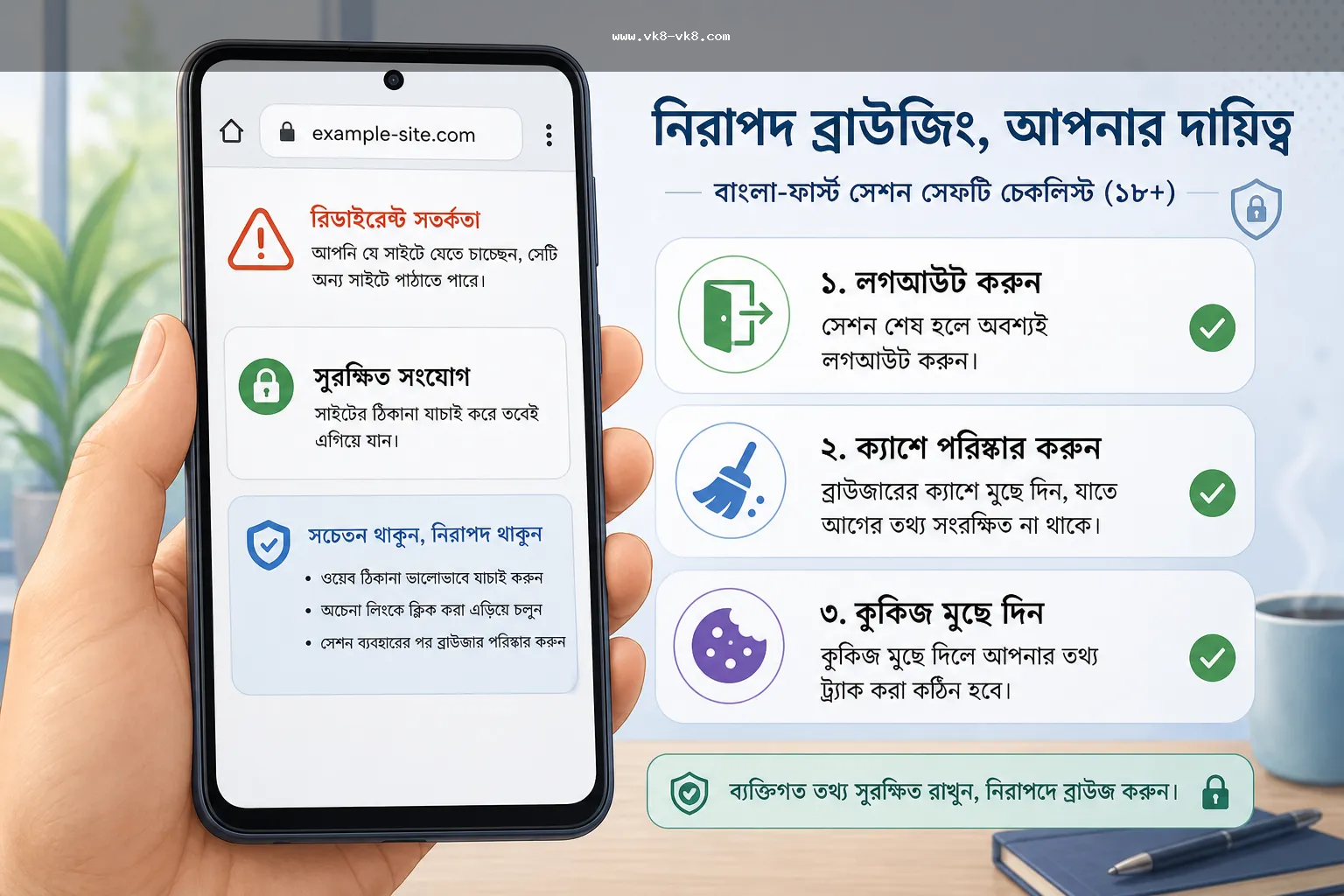
What to do if you see a copied link, redirect, or pop-up.
CISA's social-engineering guidance and browser security sources teach the same general point: links or messages can rush the user. Therefore, in VK8-related browsing, it is necessary to read the link source, address bar, account request, and payment prompt separately.
| 6. URL, redirect, page title, previous bookmark | Safe response. | Risky response. |
|---|---|---|
| The copied link is directing to another page. | Compare the address bar, page title, login request, and previous internal guide path. | Providing password/one-time code just by seeing a redirect. |
| Browser warning or suspicious pop-up. | Stop the session and verify again in a new way | Ignore the warning to make a payment or login |
| Bonus expiry or urgent claim message | Bonus terms guide Match with the current terms | Claim and deposit by looking at the headline |
| Support-style message asking for a private code | Action pause; do not provide password, one-time code, wallet PIN, transaction secret | Providing data thinking of fast recovery or fast payment |
| The payment page has come from the game screen | Payment Methods guide ও Deposit / Withdrawal guide. Read separately | Sending amount from game pressure |
Risks of shared phone and cache/cookie
According to Chrome Help's cookie/browsing-data guidance, cookies can retain data from website visits, and users can manage or delete browsing data/cookies if they wish. Practically, on a shared Android phone or shop/Wi-Fi/public device, it is necessary to logout after the browser session ends, and check saved passwords, auto-fill, and relevant browsing data. This is not a guaranteed solution to account compromise, but it helps reduce leftover sessions and privacy risks.
- Check if you have logged out after the session. Do not always assume that just closing the tab is enough.
- If it's a shared device, check if saved passwords or auto-fill are enabled.
- Decide whether there is a need to clear cookies or browsing data after making payment/account activity.
- Leaving copied links, fake-looking paths, or payment pages in browser history can cause privacy issues.
- Do not submit the same form repeatedly if the network is slow or if there are repeated reloads; write down the status first.
Bangladesh scenario: payment pressure from copied link
Suppose a user opened a copied VK8-looking link in a mobile browser. The page initially seemed normal, but after logging in, the bonus prompt, pop-up, and payment button appeared together. Then a message said that to quickly verify the account, one-time code or wallet PIN must be provided. In this situation, the issue is not just the browser; risks to account, payment, bonus, and private data have arisen together.
A good response is to stop the session. Note separately the address bar, redirect path, time, screenshot, bonus wording, payment amount, receiver/reference, and account notice. Then APK update and fake-link checklist, VK8 App / APK Guide, combine with payment/deposit guide. Do not share PIN, one-time code, password, wallet PIN, security code, transaction code, or full KYC file.
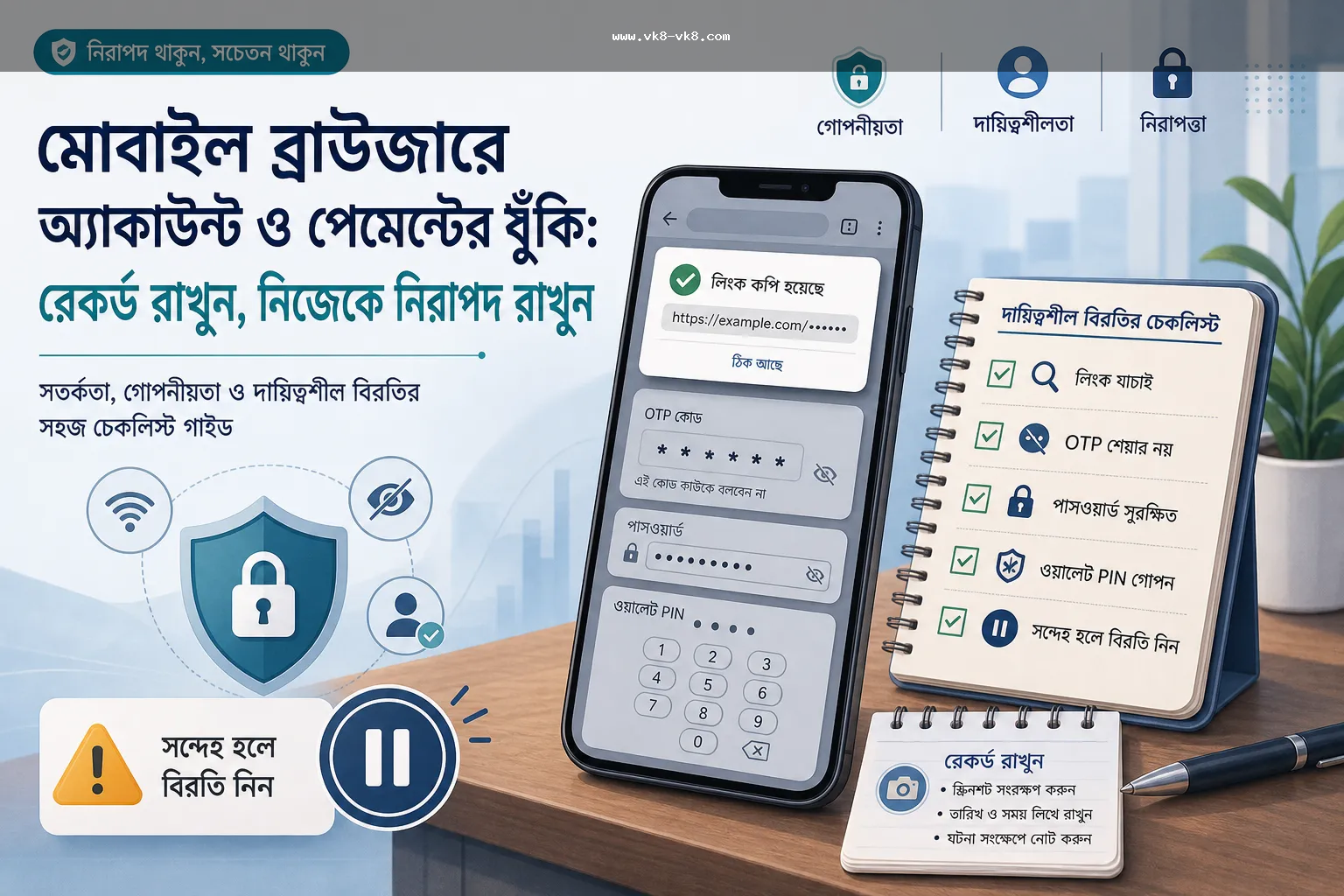
Recordkeeping checklist: what to write down
Recordkeeping does not ensure dispute outcome, but helps understand your decision review, payment delay, account confusion, or bonus misunderstanding. Keep small notes excluding sensitive data.
- Write down session start time, browser/device, network state, and page path.
- Take a screenshot if a redirect or pop-up occurs, but do not share if private code or document is visible.
- If login retry occurs, keep password reset, one-time code request, device change, and error message separate.
- When a payment action occurs, write down amount, receiver/context, reference, timestamp, and status.
- When a bonus prompt appears, do not claim without reading wagering, expiry, eligible game, cap, and withdrawal impact.
- Do not repeat the same action if there is repeated reload, double submit, or network failure.
Separate app/payment/bonus decisions from the browser session.
A mobile browser session often mixes app, login, bonus, and payment topics. Separating decisions reduces errors. If in doubt about app or APK source VK8 App / APK Bengali Guide read. If there is an account access issue, check the login guide. If there is a payment or withdrawal issue, open the payment/deposit guide separately. If unsure about bonus wording, read the bonus terms checklist.
| Decision type | When to stop | Next reading |
|---|---|---|
| App/browser source | Copied link, update prompt, unusual redirect | App / APK guide |
| Login/account | Repeated one-time code, password prompt, device mismatch | Login security guide |
| Payment | Receiver/reference unclear, repeated submit, private code request | Payment Methods |
| Withdrawal/deposit delay | Status unclear, KYC/payment record mismatch | Deposit / Withdrawal |
| Bonus | Expiry pressure, wagering unclear, withdrawable balance confusion | Bonus terms guide |
Verification limit: what is being said, what is not being said
This text uses general source-backed guidance on browser warning, phishing/social-engineering caution, cookie/session cleanup, wallet PIN/one-time code privacy, and responsible use. Multiple VK8-looking domains and promotional claims have been seen in local search, but these have not been used as current VK8 operator, payment support, app source, bonus terms, or license proof. Therefore, before taking any payment, bonus, app, or account action, it is necessary to cross-check the current destination terms, visible account notice, and support path.
When is a responsible pause necessary
NCPG responsible-gambling resources encourage thinking about time, budget, and safer-use boundaries. In practical terms for a browser session: if you feel like logging in while ignoring warnings, if you feel pressured by bonus expiry, if you think of recovering by making a deposit, if repeated one-time code requests continue, or if you want to keep the session going after the time limit has expired, stop. Align with your own limits. Responsible Gaming Bengali guide Read.
FAQ
Check the address bar, redirect, browser warning, login screen, saved session, payment prompt, and copied link source. If these do not match, do not provide the password, one-time code, or payment data.
No. If you see a browser warning, suspicious redirect, or unexpected pop-up, stop the session and verify the path. Ignoring the warning and proceeding with login, bonus claim, or payment action is risky.
Check if you have logged out after the session. If it's a shared device, check if there is a need to clear saved passwords, auto-fill, cookies, and browsing data.
No. Do not provide one-time code, wallet PIN, password, security code, transaction code, recovery code, or KYC file copied link, chat pressure, or unknown support path.
No. It does not verify specific browser URL, app source, payment method, bonus terms, operator, license or withdrawal timing. It is an independent Bengali browser-session safety checklist.